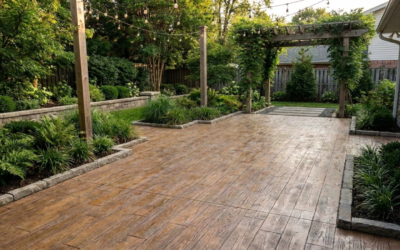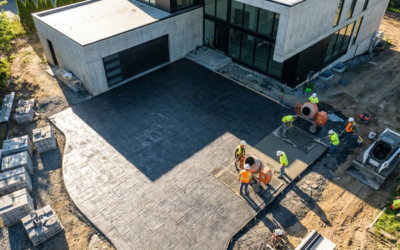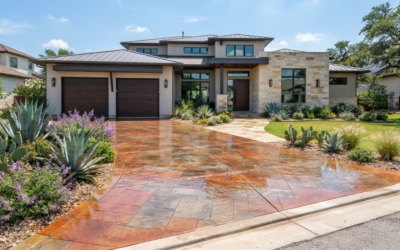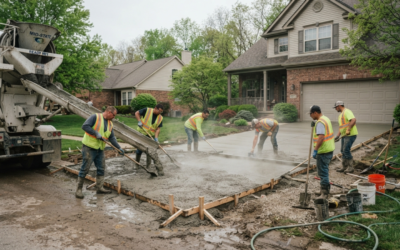
When planning a home improvement project like a driveway, patio, or shed foundation, getting the concrete amount right is critical. Ordering too little can delay your project, while ordering too much wastes money and materials. That’s where a Concrete Slab Calculator becomes your best friend.
According to HomeAdvisor’s concrete project guide, accurate volume estimation can save you up to 15% on material costs. Whether you’re a DIY homeowner or hiring a contractor, understanding how to calculate a concrete slab ensures your project stays on budget and runs smoothly.
What Is a Concrete Slab and Why It Matters
A concrete slab is a flat layer of concrete used as the base for driveways, patios, garages, and even home extensions. It’s typically 4 to 6 inches thick for residential applications, depending on how much weight it needs to support.
“I used to eyeball it, but now I always use a calculator—it saves so much time,” said one DIYer on Reddit’s r/HomeImprovement community. That’s a common theme among homeowners: guesswork leads to costly errors.
Concrete Network’s guide on slab thickness recommends sticking with 4-inch thickness for patios and 6-inch for driveways. Knowing the right depth before calculating ensures you won’t under- or overestimate your materials.
The Formula for Calculating Concrete Volume
The basic formula to calculate the volume of a concrete slab is:
Length × Width × Thickness = Volume
Here’s a quick example:
- Length: 10 ft
- Width: 10 ft
- Thickness: 4 in (0.33 ft)
Now multiply them: 10 × 10 × 0.33 = 33 cubic feet.
Since concrete is sold in cubic yards, divide that by 27 (because 1 cubic yard = 27 cubic feet). So: 33 ÷ 27 = 1.22 cubic yards of concrete needed.
You can see how even a small patio requires over a cubic yard of concrete—and that’s before adding a buffer for waste.
How to Use the Concrete Slab Calculator
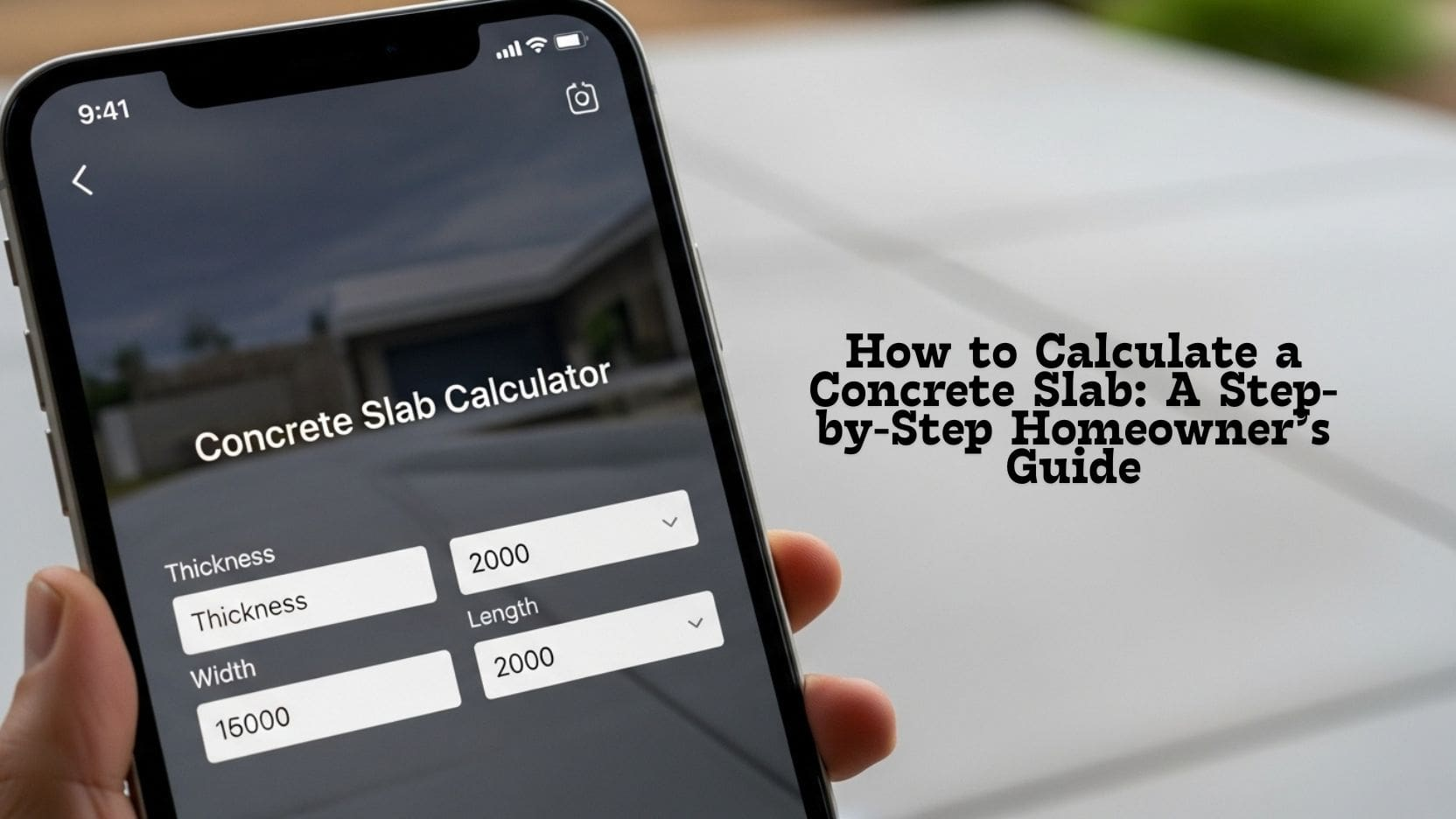
A Concrete Slab Calculator simplifies all the math above into seconds. Just enter your slab’s dimensions and it instantly tells you:
- The total concrete volume in cubic yards or meters.
- The number of concrete bags (40 lb, 60 lb, or 80 lb) you’ll need.
Here’s how to use it:
- Enter your dimensions – input slab length, width, and thickness.
- Select your unit of measurement – cubic feet, cubic meters, or yards.
- Review the results – see the total concrete volume and number of bags.
- Add 5–10% extra – this covers any waste or uneven surfaces.
“When you see exact numbers, you realize how much money you’re saving by avoiding guesswork,” says a concrete pro on Angi.
Common Projects That Use a Concrete Slab Calculator
A concrete slab calculator isn’t just for patios—it’s useful for almost every concrete project around your home:
- Driveways and sidewalks: Ensure a level, strong surface.
- Patios and decks: Create a sturdy base for outdoor spaces.
- Home extensions or sheds: Perfect for accurate foundation planning.
- Industrial flooring: Large-scale use with consistent accuracy.
HomeAdvisor’s concrete project ideas show that using a calculator saves both material and labor costs across all these applications.
Tips for Accurate Concrete Estimates
Even with a calculator, a few extra tips help ensure precision:
- Add a 5–10% buffer for uneven terrain or spillage.
- Double-check measurements before ordering materials.
- Use consistent units (all in feet or all in meters).
- Account for reinforcement if using rebar or mesh.
Pro Tip: If you’re working on uneven ground, divide your area into smaller rectangles, calculate separately, then add them up for a total volume.
FAQs
How does the calculator work?
It multiplies the slab’s length, width, and thickness to find the total volume, then converts that to cubic yards or meters.
Can I use it for irregular shapes?
Yes, by dividing the shape into smaller rectangles and calculating each part separately.
Should I include wastage?
Absolutely—always add about 5–10% more concrete to cover minor errors or spills.
What’s the typical slab thickness for homes?
Most residential slabs are 4–6 inches thick, depending on whether it’s for a patio, driveway, or shed base.
Does the calculator include cost?
It only provides volume. Once you know the amount, you can estimate total cost using local concrete prices.
Concrete Slab Calculator Tool
Enter your slab dimensions below:
- Thickness (in): 4
- Width (ft): 10
- Length (ft): 10
Results:
- Volume of Concrete: Yards
- 40# Bags:
- 60# Bags:
- 80# Bags:
Using the calculator helps homeowners, contractors, and DIY builders plan efficiently. It saves time, avoids waste, and keeps projects on budget.
Conclusion
Accurate concrete calculation isn’t just about saving money—it’s about confidence. With a Concrete Slab Calculator, you can plan your project with precision and avoid costly mistakes.
If you’re looking for a concrete contractor in San Antonio, contact us today for a free quote and expert help with your next concrete project.